Branch
public
- Status
- Stable · Default
A brutal open-world zombie survival horde crafter that blends FPS combat, looting, crafting, and base defense. Design a trap-filled fort and withstand the undead with friends.
Below are a few reasons why LOW.MS is the ideal place to host your game server.
Begin playing on your 7 Days To Die server within minutes after payment.
Never lose your 7 Days To Die save again with our state of the art cloud backup system.
Your 7 Days To Die server will be equipped with the latest Intel or AMD processors and NVMe SSDs.
All of our datacenter networks have enterprise-level DDOS protection to ensure your 7 Days To Die server hosting never goes down.
Round-the-clock customer assistance with a 99.9% uptime guarantee to ensure your 7 Days To Die server never goes offline.
Full refund within the first 5 days if your 7 Days To Die server is not up to scratch.
Your 7 Days To Die worlds, settings and mod configuration are backed up to the cloud automatically. Keep up to 20 backups per server and lock the ones that matter so they are never cleared to make room.
From the Backups tab in the LOW.MS control panel you can restore any backup in one click, download a copy to your PC, or take a manual backup before a big change.
Backups include your worlds and mod settings. Locked ones are never deleted to make room.
| Created | Size | Status | Locked | |
|---|---|---|---|---|
| 17/08/2026, 15:19 | 3.6 MB | Completed | DownloadRestoreDelete | |
| 17/08/2026, 15:14 | 3.6 MB | Completed | DownloadRestoreDelete | |
| 14/08/2026, 00:12 | 3.6 MB | Completed | DownloadRestoreDelete | |
| 11/08/2026, 23:33 | 1.3 MB | Completed | DownloadRestoreDelete |
What people say after they have moved a server to us.
Read our reviews on TrustpilotOut of all hosting providers. This is by far the top choice in my list. Simple UI with a mod manager included making it hassle-free when downloading specific mods.
Jose, Trustpilot review
I opened a ticket for help migrating my server from a different host. The game is Palworld and it isn't a simple process, they did it for me! Very helpful and responsive.
Justin, Trustpilot review
Their prices are pretty cheap and I thought they'd cut back on performance but damn was I wrong. The service has been insanely reliable and the Support Team are on their own level!
Anti, Trustpilot review
We support every public 7 Days To Die Steam branch out of the box, including the private password-protected ones. Switch from your control panel any time.
Alpha 10.4 Stable
Low latency wherever your players are
Pick the location closest to your 7 Days To Die players. If you are not sure which one to choose, contact support.
Every location has DDoS protection that can absorb attacks of up to 100 Gbps.
If there is a location you would like us to add, let us know. The right location also lists your server under the right region in the in-game server browser.
Our DatacentersEurope
North America
Asia & Oceania
Find answers to common questions about 7 Days To Die server hosting.
Your server will be ready within minutes
Enterprise-grade protection included
Expert help whenever you need it
Starting from
Cancel anytime. No minimum term. Full refund within 5 days.
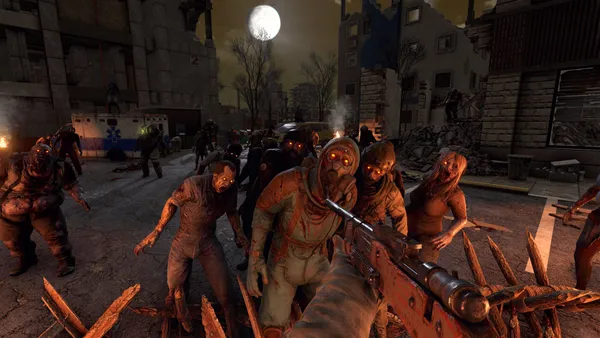
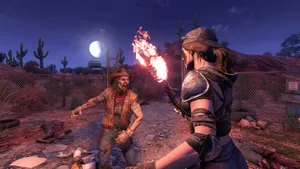
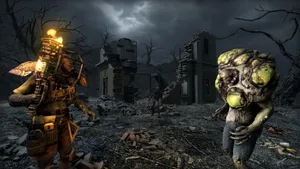
7 Days to Die is a survival horror game that will put your skills and instincts to the test. Set in a post-apocalyptic world, where a deadly virus has wiped out most of humanity, you must navigate the ruins of civilization while fighting off hordes of zombies and other dangerous creatures. The game's world is procedurally generated, meaning that every time you play, you'll encounter new challenges and environments. You must scavenge for food, water, and resources while building shelters to protect yourself from the ever-present danger. The game's crafting system is deep and intricate, allowing you to create a variety of weapons, tools, and structures to aid in your survival. From makeshift traps to fortifications, the possibilities are endless. As you progress through the game, you'll encounter new and more powerful enemies, requiring you to constantly upgrade your gear and abilities. You'll need to work with other players to survive, forming alliances and fending off attacks from rival factions. The game's graphics are stunning, with a gritty, realistic art style that perfectly captures the harsh, unforgiving world. The sound design is equally impressive, with bone-chilling sound effects that will keep you on edge throughout your playthrough. Whether you're a fan of survival horror games or simply looking for a new challenge, 7 Days to Die is an experience that you won't soon forget. With its deep crafting system, procedurally generated world, and intense gameplay, it's a game that is sure to keep you hooked for hours on end.
We are confident that you'll be happy with our service. If on the rare occasion there is a problem with your service, we will do our absolute best to get things working for you, or you can simply ask for your money back.
We have a full 5 day money-back guarantee on all our game server hosting. No questions asked.
A selection of hosting guides and articles, hand-written by our own support team
Connect FileZilla or WinSCP to your LOW.MS server on port 2022 with the SFTP login from your control panel, find your files, and fix the usual connection and upload problems.
Quick guide on uploading your 7 Days To Die save.
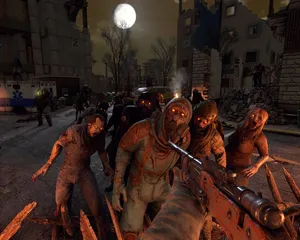
Find your 7 Days to Die singleplayer save files and upload them to your dedicated server using File Manager or SFTP.
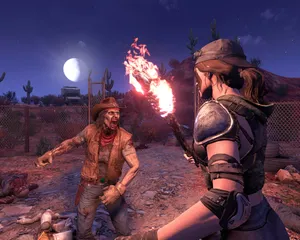
In-depth guide to every important setting in 7 Days To Die's serverconfig.xml file, covering world generation, difficulty, Blood Moon hordes, PvP, loot, and performance tuning.
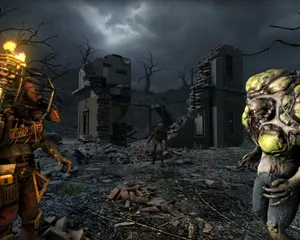
Solutions for the most common 7 Days To Die server issues including connection failures, EAC errors, world generation crashes, Blood Moon lag, and memory problems.
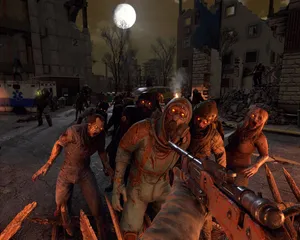
Complete guide to setting up and connecting to your 7 Days To Die dedicated server on LOW.MS, including first-time configuration, connecting via Steam, and inviting friends.
Start, stop and manage your 7 Days To Die server from your browser. Your control panel puts server settings, files, SFTP and backups within reach.
Nexus is now available for supported games, with built-in tools for everyday server management. Existing servers may still use TCAdmin; our support team can help you find the right panel for your server.
More infoJoin our Discord to chat with our staff and community!
Join Discord