To play Windrose you need 64-bit Windows 10, an Intel Core i7-8700K or AMD Ryzen 7 2700X, 16 GB of RAM, a GTX 1080 Ti or Radeon RX 6800 and 30 GB of free space, while a Windrose dedicated server wants two CPU cores at 3.2 GHz, a 35 GB SSD and 8 GB of RAM for two players, climbing to 16 GB for ten. Those are the studio's own figures, from the Steam store page and Kraken Express's dedicated server guide. Where people get caught out is mixing the two up: the game's requirements assume you're just playing, and the moment you host a world from the same PC you need a fair bit more memory on top.
Two things a lot of older guides (ours included, until now) still get wrong. The server isn't Windows only any more, since the studio ships a Linux Docker image, and you don't need to own the game to download it. Both are good news.
Windrose PC system requirements (minimum and recommended)
Straight from the Steam store, as of October 2026:
| Minimum | Recommended | |
|---|---|---|
| OS | Windows 10 (64-bit) | Windows 11 or later (64-bit) |
| Processor | Intel Core i7-8700K / AMD Ryzen 7 2700X | Intel Core i7-10700 / AMD Ryzen 7 5800X |
| Memory | 16 GB RAM | 32 GB RAM |
| Graphics | NVIDIA GTX 1080 Ti / AMD Radeon RX 6800 | NVIDIA RTX 3080 / AMD Radeon RX 6800 XT |
| DirectX | Version 12 | Version 12 |
| Storage | 30 GB available space | 30 GB available space |
| Network | Broadband Internet connection | Broadband Internet connection |
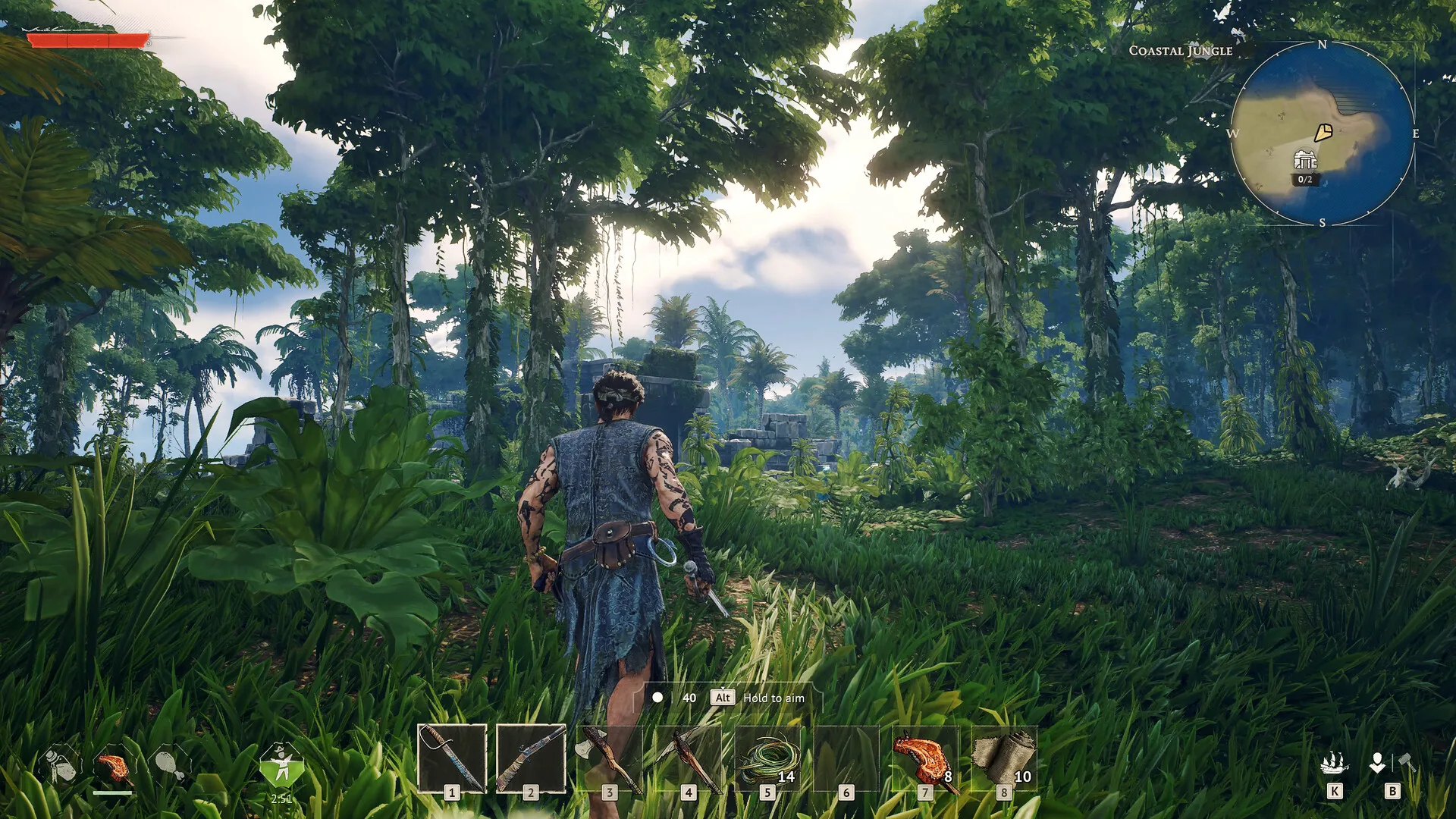
The studio adds a few notes under the table that are worth reading rather than skimming. The requirements "are not final at this stage of development", an SSD is "strongly recommended", and the minimum RAM figure "appl[ies] to solo and co-op play. If you choose to self-host a server (world), additional RAM will be required." That last line is the one that bites. The store lists Windows only for the game itself, with no Mac or Linux client, and if you were wondering what it's built on, the store's legal notice says Unreal Engine.
Windrose dedicated server requirements
This table comes from the FAQ at the bottom of the studio's dedicated server guide:
| Players | CPU | RAM | Storage |
|---|---|---|---|
| 2 | Intel Xeon Scalable (Sapphire Rapids), 2 cores, 3.2 GHz | 8 GB | 35 GB SSD |
| 4 | Intel Xeon Scalable (Sapphire Rapids), 2 cores, 3.2 GHz | 12 GB | 35 GB SSD |
| 10 | Intel Xeon Scalable (Sapphire Rapids), 2 cores, 3.2 GHz | 16 GB | 35 GB SSD |
Notice the CPU line doesn't change at all. I read the Xeon as the hardware Kraken Express tested on (the guide doesn't say), and my honest take is that a modern desktop chip with decent clock speed does the job, with RAM the thing you actually scale. The 35 GB of SSD is generous, too: the Windows server depot on Steam is only about 3 GB right now, so most of that figure is headroom for saves, backups and future patches.
How to size a Windrose dedicated server
If you're working out whether a box you already own can host your crew, this is the order I'd go in:
- Count who'll be on at the same time, not who's in the Discord. The table above scales on simultaneous players.
- Match RAM to that number: 8 GB for two, 12 GB for four, 16 GB for ten.
- Add the game on top if it's the same PC. The studio's figure is 16 GB for the client plus 8 GB more, so 24 GB is the recommendation for playing and hosting on one machine.
- Put the server on an SSD, with about 35 GB free.
- Install the Windrose Dedicated Server from Steam's Tools list or with SteamCMD (app
4129620, anonymous login, no copy of the game needed). - Pick Windows or Linux. The Windows build runs as it comes; Linux means the studio's Docker image.
- Decide between invite codes and Direct IP, because only Direct IP needs a port open.
- Update the server every time the game patches, so it matches your players' clients.
Tip: On LOW.MS none of this sizing lands on you: you pick your server on the Windrose hosting page and it arrives installed, with nothing to forward. When a patch drops, the Update button on your server's Overview tab pulls the latest game files (the server stops and restarts). Player Slots in the General pane of the Manage tab sets how many people can join, up to the slots on your plan, and Connection Method in the Connection pane switches between Invite code and Direct IP from the next restart. With Direct IP, players use the address and port shown on the Overview tab rather than 7777. Log in at the control panel to find all three.
Does the Windrose dedicated server run on Linux?
Yes, through Docker. This is the biggest thing the old version of this page got wrong. Patch 0.10.0.7 on 25 June 2026 says it plainly: "Added Docker images with Linux server support. For setup instructions, see DedicatedServer.md in the dedicated server root directory." The image is windroseserver/windroseserver on Docker Hub, built for linux/amd64 and tagged per game version, so you can pin one rather than riding latest.
Confusingly, the studio's own FAQ still answers "Can I run on Linux / headless?" with "Currently Windows-only, unfortunately." I'd treat that line as older than the Docker image rather than a contradiction, because the same page carries the Docker instructions a few scrolls up. The Linux server is a proper native build (the image runs WindroseServer.sh on Ubuntu 22.04, no Wine involved), but the studio only distributes it inside the Docker image. The Linux depot on Steam has no public build, so Docker is the route. That's step 6.
One catch with the studio's Docker instructions: they tell you to set UseDirectConnection to true and port 7777 in ServerDescription.json. That's the Direct IP switch, the same one the Windows build reads, so with it on players join by IP and invite codes don't work. If your crew is used to pasting a code, warn them first. Our Linux and Docker guide goes into the setup.
How much RAM does a Windrose server need?
Somewhere between 8 GB and 16 GB on a box that only runs the server, depending on how many of you play at once. The studio doesn't explain why it scales the way it does, but in my experience it's the usual survival-game story: the more of you spread out across different islands, the more of the world the server has to keep loaded.
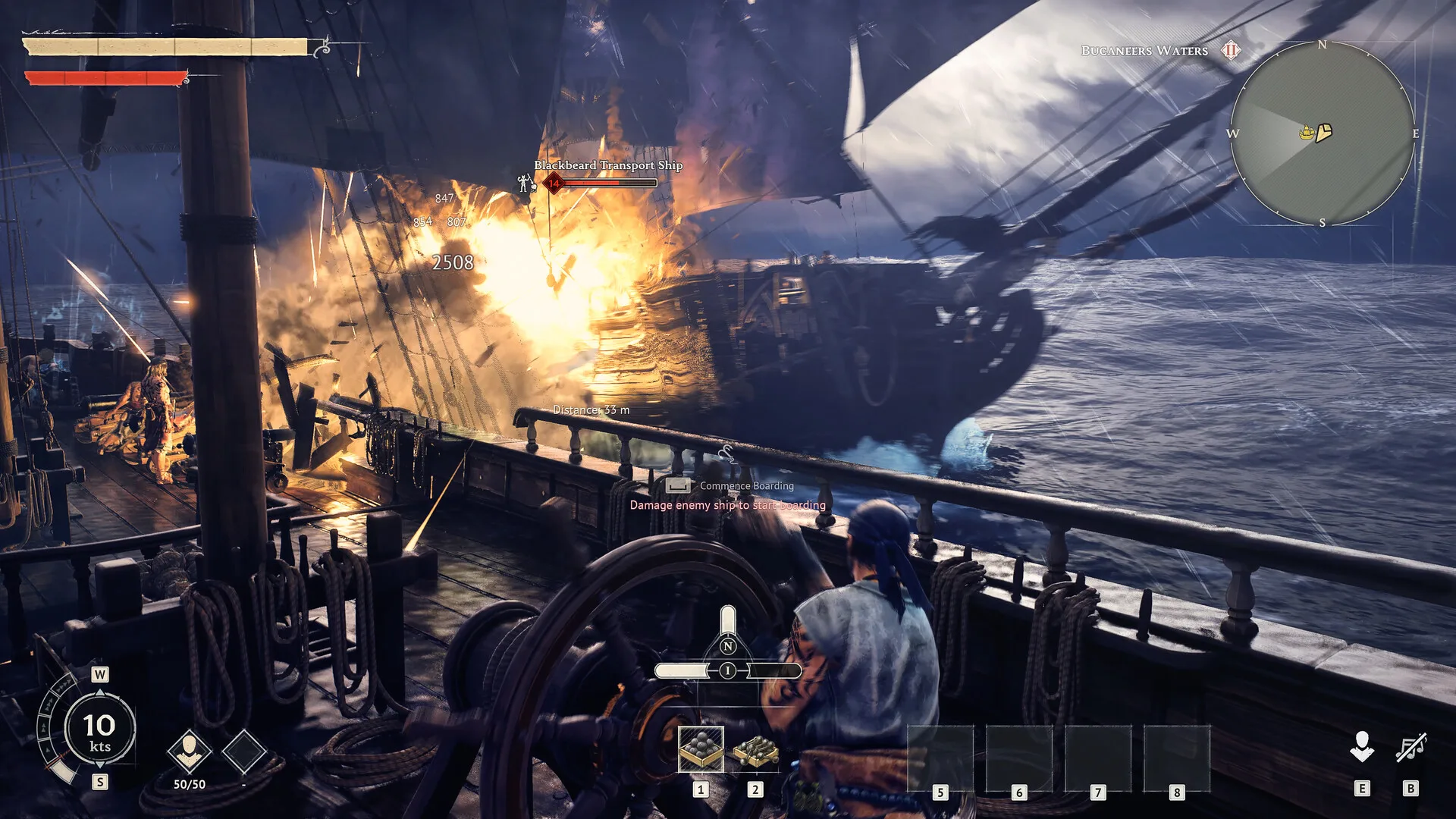
Self-hosting from your gaming PC is where it gets tight. Really tight. The game wants 16 GB on its own, the studio says to add 8 GB for the server, and its recommended total is 24 GB. I wouldn't try it on a 16 GB machine with more than a friend or two, and even at 24 GB you're sharing a CPU and an upload connection between your own game and everyone else's, which you'll feel in a busy sea battle. That's steps 2 and 3.
How many players can a Windrose server hold?
It depends which studio page you read. The Steam store says co-op supports "up to 8 players", the dedicated server requirements table goes up to 10, and the server's ServerDescription.json has a MaxPlayerCount field for setting your own cap. The studio is also upfront that more isn't always better: the store page recommends playing "in the party up to 4 players for the optimal experience", because of performance in the late game, and back in March it said the best difficulty experience is in the 1-4 range. The store's stated limit is 8, so treat the 10-player row as the top of the sizing range rather than a promise that ten can join. Honestly, I'd size for the crew you actually have and expect it to settle at four.
What ports does a Windrose server use?
With invite codes, there's no fixed port to forward. The studio's FAQ says "Ports are dynamically assigned via NAT punch-through" and asks that your router supports UPnP, and connections go peer to peer or through its connection service, with a client setting (Force Relay Connection) to push everything through the relay when the direct route is blocked. Forget the "7777 and 7778 UDP" pair you'll see on some sites, including an older version of this one. There's no query port in the studio's docs at all.
Direct IP is the exception. Set UseDirectConnection to true and the server listens on DirectConnectionServerPort (7777 by default), which has to be open for both TCP and UDP, and that's the port you forward on a home router. If you're not sure whether you need to, our port forwarding and UPnP guide covers it. That's step 7.
Installing and updating the server files
The dedicated server is a free tool on Steam, and you don't need a copy of the game to download it, which the old version of this page also got wrong. SteamCMD does it with an anonymous login:
force_install_dir "C:\Game_Servers\Windrose_Server"
login anonymous
app_update 4129620 validate
quit
Run app_update 4129620 validate again to update. Every patch. The studio is firm that the server and client versions must match, and since April the game shows an error when you try to join a server that's out of date. Players on the Epic Games Store or Stove can copy the server folder out of the game's R5\Builds folder instead, but it has to be copied somewhere else first, because launching it from inside the game folder just gets it shut down by the client.
Troubleshooting by symptom
Players land back on the main menu with no error. With Direct IP, the studio lists this as a known issue: a wrong password or a version mismatch returns you to the menu without a message. Check the password, then update the server.
An "outdated server" error when joining. The game patched and the server didn't. Update it (step 8) and restart.
The server closes as soon as it starts. If you're running it from the WindroseServer folder inside the game's own install, that's expected. Copy the folder somewhere else and launch it from there.
It crashes on launch on an old machine. The studio's general advice is to verify files, update your OS and add firewall and antivirus exceptions for WindroseServer.exe. You'll also see claims that the server needs a CPU with AVX2 and won't run on old Xeons like the E5-2650 v2. I couldn't find the studio saying that anywhere, so treat it as unconfirmed, but if you're dusting off a decade-old server it's the first thing I'd rule out.
Hitching and stutter as the world grows. Check the server is on an SSD and not swapping. Running short of RAM shows up as stutter long before it shows up as a crash, and our Windrose server performance article has more on what to expect.
If you'd rather not own any of the hardware above, our Windrose server hosting page has the current options.