To get a group onto a FOUNDRY dedicated server you need the server's address, the same game version on every client as on the server, and (if you want it private) a password. That's genuinely it. FOUNDRY is one of the easier factory games to run on a server, because almost everything lives in one small settings file and the game doesn't ask for much beyond that.
In our experience, what trips people up is rarely the connection itself. It's a settings change that seems to do nothing (because the server only reads its settings when it starts), a friend who can't join after a game update, or someone typing a new world name and thinking they've lost their factory. All three are covered below. If you haven't ordered yet, plans are on our FOUNDRY server hosting page.
How to set up and join a FOUNDRY dedicated server
- Pick your settings before the first start: server name, password, world name and player limit. The server reads them when it boots.
- Start the server and give it a minute to finish loading. The console prints
Dedicated server is now running!when it's ready. - Note the server address, the IP and game port. That's what your friends need for direct connect.
- Update FOUNDRY on your own PC through Steam, so your client matches the server.
- Join from the in-game server list by searching for your server name, or use direct connect with the address.
- Enter the password if you set one. Players are asked for it even when the server shows in the public list.
- Share the address and password with your group, and you're done.
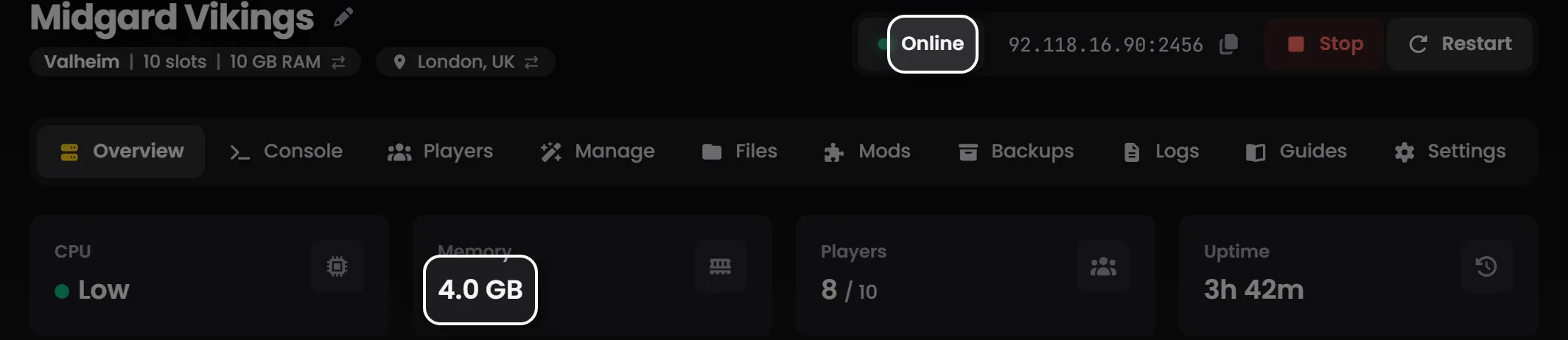
Tip: On LOW.MS, the settings in step 1 are fields on the Manage tab of the control panel, and the address for step 3 is on the Overview tab with a button to copy it. You don't need to touch a config file at all.
What makes a FOUNDRY server different?
Two things are worth knowing before you invite anyone.
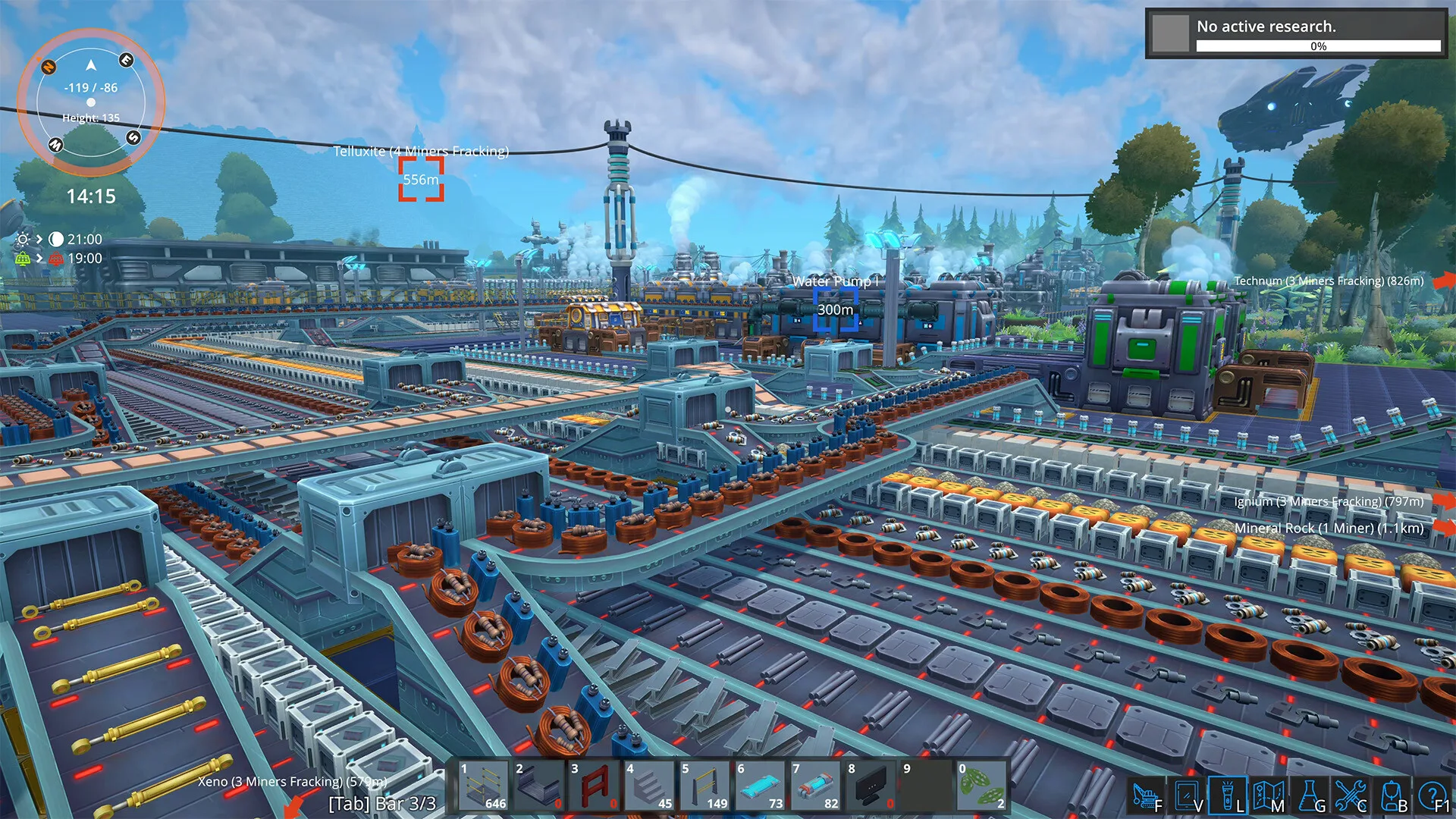
First, the thing that works a FOUNDRY server hardest isn't the player count. It's the factory. Two people with a sprawling base full of belts, trains and loaders put more load on a server than eight people sat around a starter camp, and that gap grows the longer a world runs. It adds up fast. So when someone asks us how many slots they need, the honest answer is "fewer than you think, but keep an eye on the factory".
Second, FOUNDRY can pause itself when nobody is online. With pause_server_when_empty on, the world freezes the moment the last player leaves and picks up exactly where it was when someone joins. Your production lines don't move while you sleep, which is usually what people want. If your group prefers to log in to a pile of finished robots, turn it off (more on that below).
Which FOUNDRY server settings can you change?
All of FOUNDRY's dedicated server settings sit in one file, app.cfg, as plain key=value lines. The ones you'll actually care about:
server_nameis what shows in the in-game server list.server_passwordis the join password, blank for none.server_world_namepicks which world folder the server loads (this is step 1's "world name").server_max_playerssets the player limit.pause_server_when_emptyfreezes the world while nobody is connected,trueorfalse.autosave_intervalis the number of seconds between autosaves.server_is_publiccontrols whether the server appears in the public list at all.
There are also port settings in the same file. Leave those alone on a hosted server, since your host assigns them and the server won't be reachable if they drift.
The thing that catches almost everyone: the server reads this file at startup, and only then. Change a setting on a running server and nothing happens until the next restart. That's why step 1 says to set things before the first start, and it's the answer to most "I changed it and it didn't work" questions we see.
On a LOW.MS server you don't edit app.cfg yourself. The panel writes it from the Manage tab fields every time the server starts, so a hand edit would just be replaced on the next boot. Change the field, save, restart.
How do FOUNDRY worlds and world names work?
server_world_name is the name of a world folder, not a label. Change it to a name the server hasn't seen and it creates a brand new world under that name. Change it back and your old world loads again, exactly as you left it. Nothing gets deleted when you switch.
That makes it a handy way to keep a few worlds on one server. I'd recommend a test world alongside your main factory for trying out layouts, it's saved more than one megabase from a bad idea. But it's also how people convince themselves they've lost everything. If your factory has vanished after a settings change, check the world name before you panic. Nine times out of ten there's a typo or a stray capital letter in it, and we've all done it.
Autosave runs on the autosave_interval you set. Shorter means less lost progress if something goes wrong, at the cost of a small hitch every time it saves on a big factory. We default to five minutes, which is a sensible middle ground for most groups.
Keeping your FOUNDRY server updated
When FOUNDRY updates on Steam, your players' clients update automatically and the server doesn't. Until the server is on the same version, nobody on the new version can join. So the routine after any patch is: back up the world, update the server, start it, then let everyone back in. We'd take that backup even for a tiny hotfix, it costs you a minute and it's the only undo button you've got.
Your world and settings survive updates. Experimental branches are different: if you or your players opt into one (FOUNDRY runs them before big updates), the server has to be on the same branch, and the developers are clear that experimental saves can break. Test on a copy of your world, never the main one.
Troubleshooting a FOUNDRY server
The server isn't in the in-game list. Give it a minute after startup, it has to finish loading and register before it shows. Search by the exact server name. If it still isn't there, direct connect with the address works regardless of the list, and honestly I'd just hand out the address and stop worrying about the list.
A friend can't join but everyone else can. Almost always a version mismatch. Check they've updated FOUNDRY through Steam, and that they haven't switched to an experimental branch in Steam (right-click FOUNDRY, Properties, Game Versions & Betas).
Nobody can join after a game update. The server is still on the old version. Update it, then start it again.
A setting change did nothing. The server only reads settings at startup. Restart it.
The factory is gone. Check the world name for typos first. If the name is right and the world really is wrong, restore a backup from before the change.
Trains are slow after an update. Once FOUNDRY Update 5 is out, tracks have to be powered for trains to reach their full speed. Run power along the line.
Gameplay questions (builds, machines, research order) are best answered by the FOUNDRY community and the developers' own channels. For anything about your server, open a ticket from the control panel and we'll take a look.