Sharing your server used to mean pasting something like 185.123.123.1:27015 into Discord and hoping nobody got a digit wrong. Now you can give it a proper name.
Every server in the LOW.MS panel can have its own address, like blockparty.craft.ms or vikings.join.low.ms. You set it once and share it, and from then on that's what your friends type into the game.
How it works
You choose one of five domains and add the name you want in front of it. Once you have claimed the name, the address points to your server and goes live within a few minutes. If your server later moves to a different machine, or you switch it to another game, the address updates on its own. Your players keep using the same name the whole time.
Server addresses are free and come with every server, so there is nothing extra to buy or set up outside the panel.
Setting it up
- Open your server in the panel and go to Settings.
- Under Server address, pick a domain and type the name you want.
- The panel checks the name as you type. Once it shows as available, click Claim name.
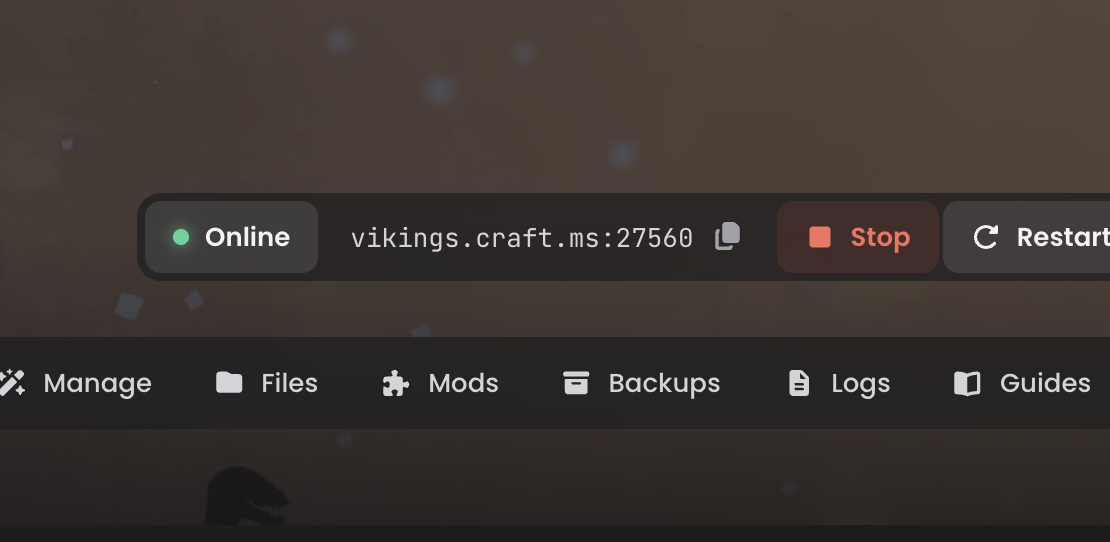
The address goes live within a few minutes. It also appears on your server's Overview, ready to copy.
Five domains to choose from
- craft.ms
- lair.gs
- myserv.co
- join.low.ms
- my.low.ms
You can use any of them with any game. If you want your Valheim server on craft.ms, go ahead.
It follows your server
Your address updates on its own if we move your server to a different machine, or if you switch it to another game. Players keep typing the same name and never need to know anything changed.
Change your mind whenever you like
You can rename or remove the address at any time. A name you let go is held for 30 days, so nobody else can take it straight away, and you can reclaim it during that time.
A quick note on ports
Minecraft: Java Edition finds the port by itself, so the name is all your players need: blockparty.craft.ms. Most other games still need the port on the end, for example vikings.join.low.ms:2457. The panel shows the full address so you don't have to work it out, and it's still much easier to share than a string of numbers.
FAQ
Does a server address cost anything?
No. Server addresses are free and come with every server.
How long does it take for my address to work?
The address goes live within a few minutes of claiming it.
Do I have to match the domain to my game?
No. You can use any of the five domains with any game.
What happens if my server is moved or I change game?
Your address updates on its own, so your players keep typing the same name.
Can I change or remove my address later?
Yes, at any time. A name you let go is held for 30 days, and you can reclaim it during that time.
Do my players need to add a port?
For Minecraft: Java Edition, no, the name is enough. Most other games still need the port on the end, and the panel shows you the full address to share.
Claim your name
Server addresses are free and come with every server. Open your server's Settings tab to claim yours.