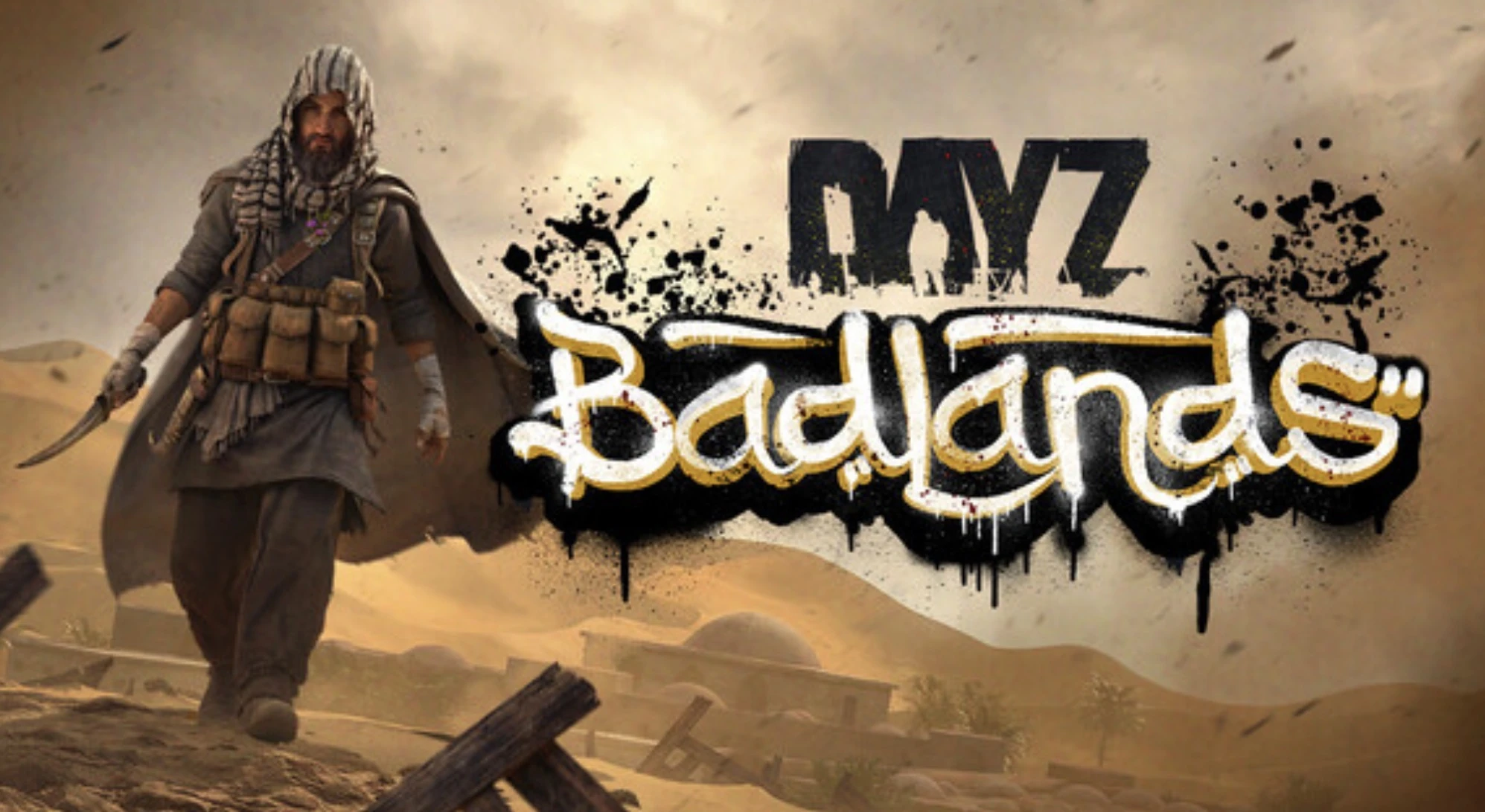
You can now run Nasdara on your own server, with Workshop mods, Linux or Windows hosting and full serverDZ.cfg settings in the new control panel.
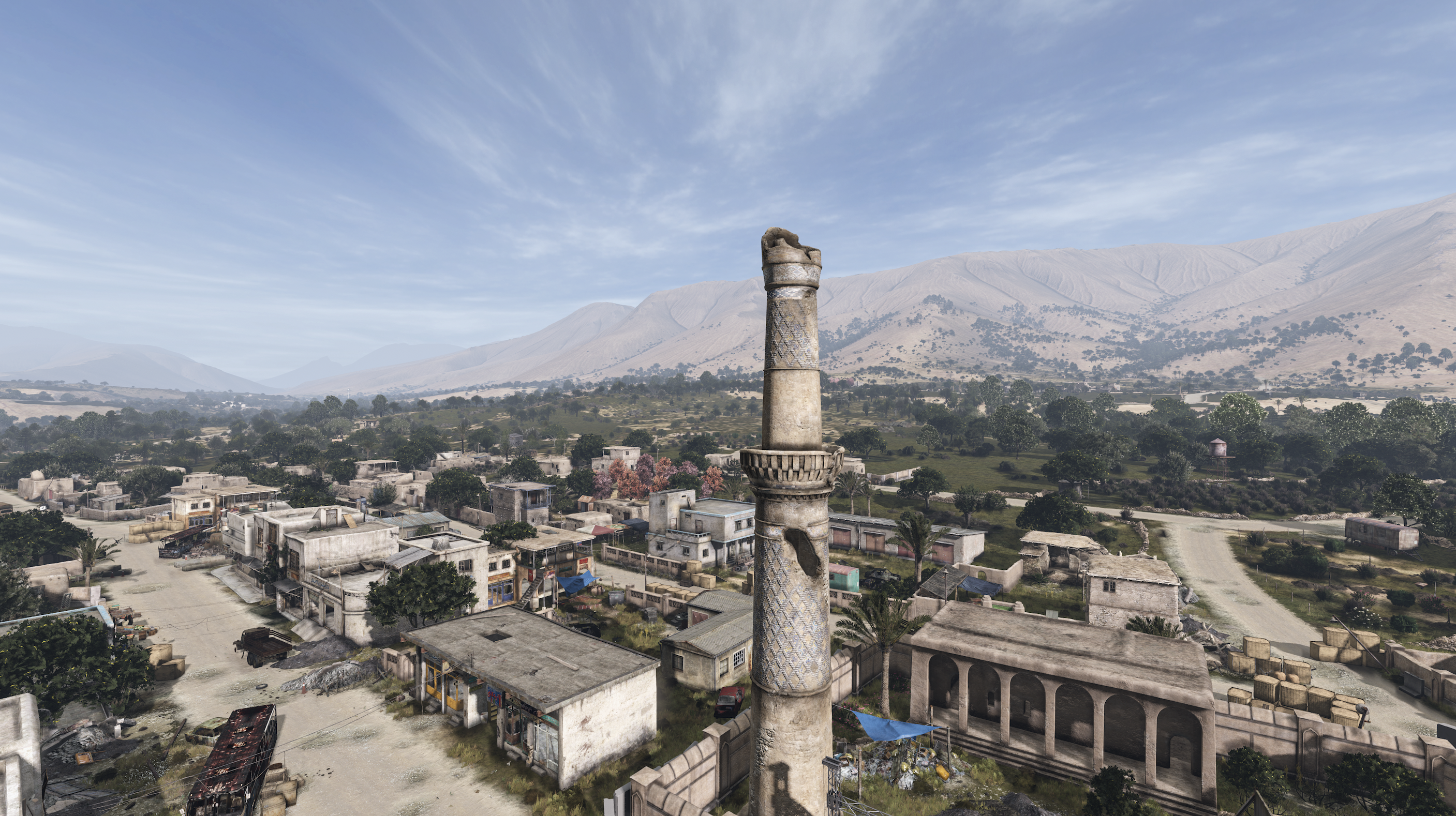
Update 1.30 and the Badlands expansion went live on Thursday 15 October. Badlands adds Nasdara Province, a 267 km² arid map with nearly 5,000 rebuildable structures. It also brings heatstroke and sandstorms, territorial dogs and the official code lock. The free 1.30 update adds motorbikes to every map, so your players will find them whichever map you run.
DayZ servers are now on our new control panel, so moving your server to Nasdara takes a few clicks.
Switching to Nasdara
Nasdara comes with the standard dedicated server files, so there's nothing extra to install on your server.
How it works
- Update the server from the Game updates card on the Overview tab.
- On the Manage tab, type
dayzOffline.nasdarain the Mission field under General. - Restart. The server copies the mission into
config/mpmissionson its first start.
Each map keeps its own world in its own mission folder. Your Chernarus world stays where it is, and you can switch back whenever you like. Our Nasdara switching guide in the knowledgebase covers the details, including merging the new 1.30 economy files into an edited mission.
What DayZ gets on the new panel
Steam Workshop mods from the Mods tab, loaded in the order you set. Mark admin tools and other server-only mods as server-side so your players don't need to download them. You can also upload your own mod folders.
Every serverDZ.cfg setting as a form:
- first or third person, crosshair, night lighting
- time acceleration, persistent time, respawn time
- login queue, max ping, voice quality
You can add your own lines to the file for anything the form doesn't cover.
Community maps: upload a mission such as Deer Isle to
config/mpmissionsand select it by its folder name.Whitelist and ban list files that apply on the next start.
A unique admin password generated for your server, for
#loginin game.BattlEye RCon built in: the panel console uses it, and you can switch on external RCON for BattleMetrics or DaRT.
Linux or Windows hosting.
A server FPS cap (60 by default), so an empty server doesn't keep two CPU cores busy.
Backups from the Backups tab. Take one before any big update.
Already with us?
If you had a DayZ server with us before, it has already been moved to the new panel. Your mission folders, world saves, keys, ban lists and mods came with it, so you can sign in at https://panel.low.ms and pick up where you left off.
New to LOW.MS? Our DayZ server hosting includes everything above.
FAQ
Do I need to install anything extra to run Nasdara?
No. Nasdara comes with the standard dedicated server files. Update your server from the Game updates card on the Overview tab, set the mission to dayzOffline.nasdara and restart.
Will switching to Nasdara delete my Chernarus world?
No. Each map keeps its own world in its own mission folder. Your Chernarus world stays where it is, and you can switch back whenever you like.
I have an edited mission. How do I bring in the 1.30 changes?
The Nasdara switching guide in our knowledgebase covers merging the new 1.30 economy files into an edited mission.
Can my players skip downloading admin tools?
Yes. Mark admin tools and other server-only mods as server-side on the Mods tab, and players won't need to download them.
Can I run community maps such as Deer Isle?
Yes. Upload the mission to config/mpmissions and select it by its folder name.
Do I need to do anything if I was already a customer?
No. Your server has already been moved to the new panel with its mission folders, world saves, keys, ban lists and mods. Sign in at https://panel.low.ms to carry on.