I'll be straight with you – if you're here looking for a list of built-in Windrose server commands, there isn't one. Not because I'm holding out on you, but because the game shipped without them. The community has filled some of the gap with server-side mods, and I'll cover those below, but out of the box there's nothing.
The Console Is Locked
Windrose runs on Unreal Engine 5, and UE5 games typically have a developer console you can open with the tilde key (~). In Windrose's retail Early Access build, that console is locked. You can't open it in-game, and there are no built-in admin commands to run on the server side either.
This is unusual for a survival game. Most titles in the genre – Ark, Conan Exiles, Valheim – give server admins a command console for spawning items, teleporting players, adjusting settings on the fly. Windrose just doesn't have that yet.
Out of the box there's also no in-game permission or admin system. No way to designate someone as an admin, no admin password, no privilege escalation. Everyone on the server is equal until you bolt something on top.
What You Can Do With the Stock Server
Server management with no mods installed is entirely file-based and panel-based. Here's what's available through the LOW.MS Control Panel at control.low.ms:
Configuration Files lets you edit the server's JSON config files directly in the browser. This is where you'll set your server name, player cap, difficulty settings, invite code behavior, and everything else the game exposes. It replaces what server commands would typically handle. The configuration guide walks through each setting.
Web Console shows the server's live log output. It's view-only – you can't type commands into it – but it's useful for monitoring what's happening on the server. Crashes, player connections, world save events all show up here.
File Manager gives you direct access to the server's file system. Need to edit a config file that isn't exposed through Configuration Files? Need to manually tweak a save? You can do it here. SFTP access on port 8822 is also available for bulk file operations.
Service Settings covers the basics: starting, stopping, restarting the server, viewing your invite code, and checking resource usage.
Scheduled Tasks can automate restarts if you want the server to bounce at a specific time each day. Useful for clearing memory since Windrose is still in Early Access and not perfectly optimized.
Community Server-Side Admin Tools
The community has moved faster than the developers here. Since launch, two server-side options have shown up that fill in the gaps the base game leaves open. Both are unofficial, and both depend on UE4SS – an Unreal Engine scripting layer that mod authors use to inject server-side functionality.
The good news for LOW.MS customers: you don't have to install UE4SS by hand. Open Mod Manager in the control panel sidebar and you'll see UE4SS listed with both a stable build and a latest-experimental build. One click on Install UE4SS and the panel handles the install for you.
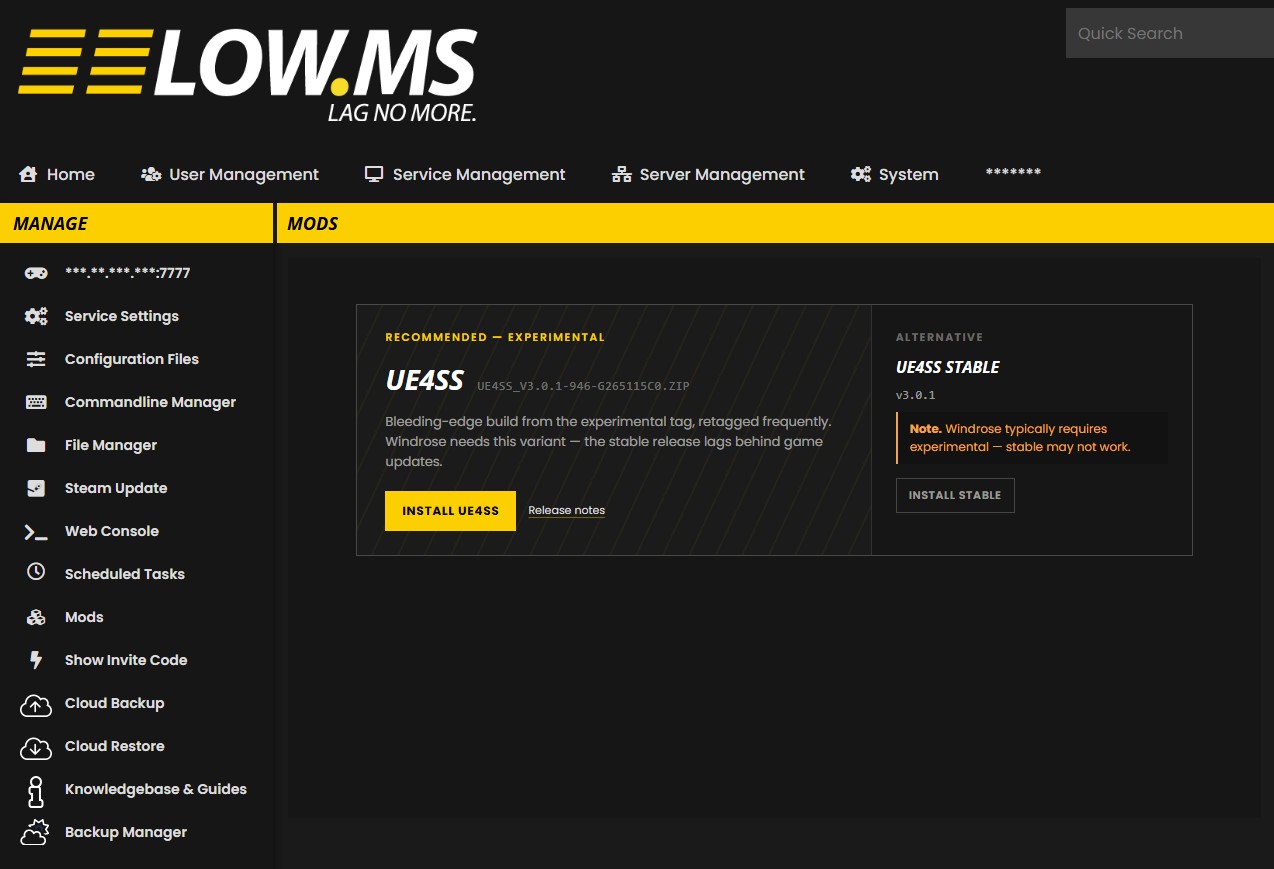
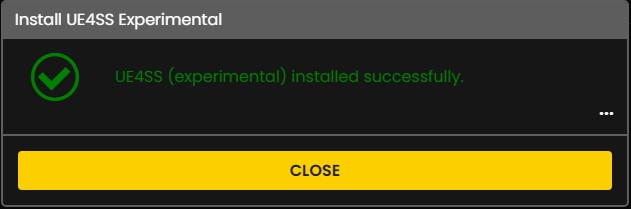
The install runs in a few seconds and confirms with a success dialog:
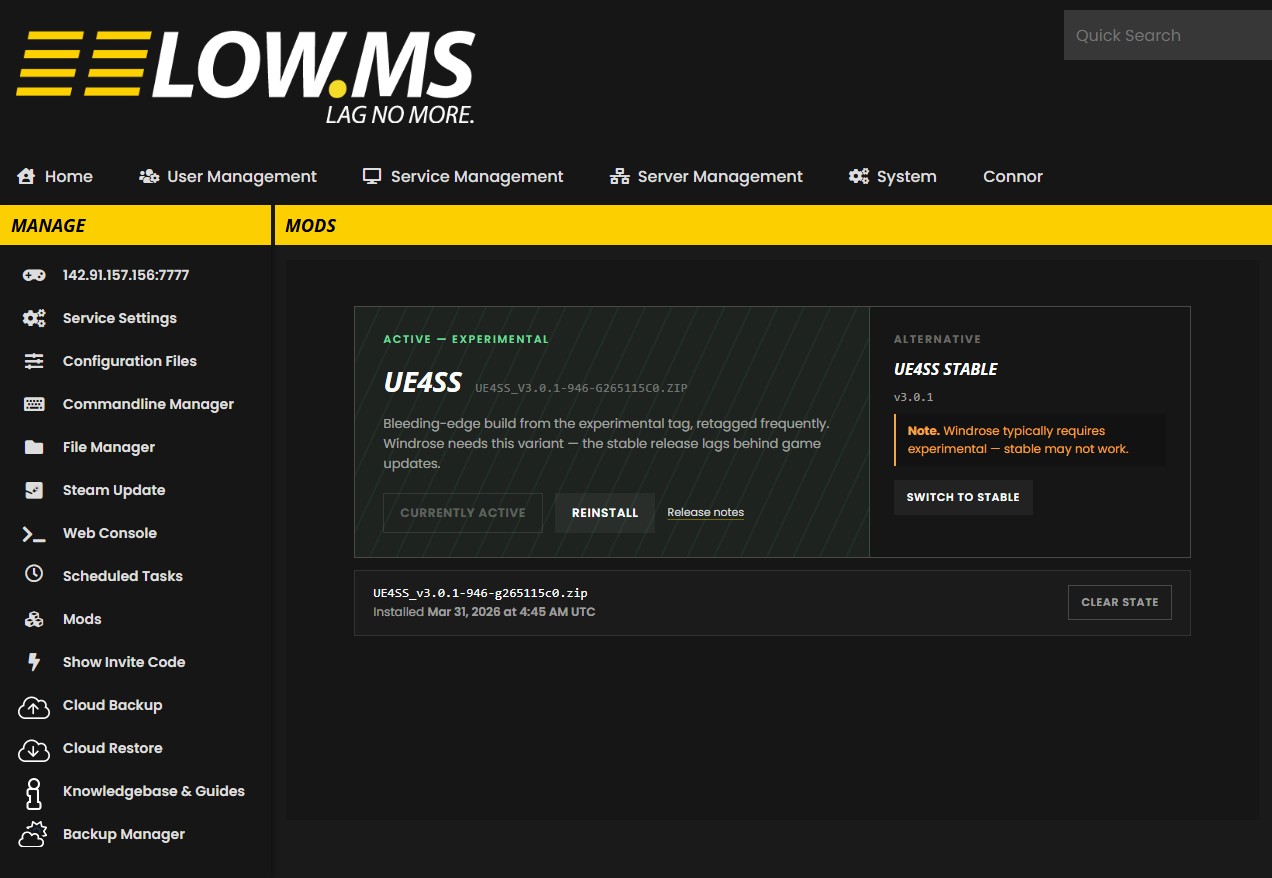
Once it's done, the Mods page flips to an "Active" state with the version tag it landed on. A Switch to Stable button is right there if you ever want to drop back to the slower-moving release channel:
After that, the framework's own files go into the server's mod folders via File Manager like any other Windrose mod.
WindrosePlus is the bigger of the two community projects. It's a server-side framework that adds a web-based admin console with autocomplete and around 30 built-in commands, basic RCON support, server query so external tools can see your server, a live sea chart showing player and creature positions, and configurable multipliers for XP, loot, and crafting. The important bit: it's server-side only. Your players don't need to install anything on their end to connect to a server running it. The project is on GitHub and is being actively updated.
Windrose RCON (Standalone) is the lighter option. It runs an RCON service alongside the game and gives you the moderation basics – kick, ban, unban, showplayers, server info – without the broader framework. If all you want is the ability to remove a problem player from a tool like Battlemetrics or your own panel, this is enough. It's on Nexus Mods.
A few things to keep in mind before you install either of them:
- They're unofficial. Game updates can break them, and recovery is on you.
- Take a backup first. Cloud Backup in the LOW.MS Control Panel runs in a couple of minutes and saves you from a bad install.
- Stick to each project's own install docs for the framework files. UE4SS itself is the one-click step in Mod Manager; the WindrosePlus or RCON files have their own folder layout that the projects document.
- If you do hit a wall during install, open a support ticket. We've seen enough UE4SS-based setups now that we can usually unstick it quickly.
If you want a single solution that covers admin commands plus monitoring, WindrosePlus is the obvious pick. If you only care about player moderation and prefer fewer moving parts, the standalone RCON is fine. I wouldn't run both at once – there's overlap, and stacking unofficial tooling makes troubleshooting painful when something breaks.
A Quick Note on SML
You'll see SML (Simple Mod Loader) on Nexus Mods and might wonder if it gives you admin commands. The short answer: no, not on a dedicated server. SML re-enables the UE5 developer console, but its Nexus page marks it as solo only and dropping it in your server's mods folder has no effect. It's a singleplayer tool. For server-side admin use WindrosePlus or the standalone RCON above.
What the Developers Have Said
The general expectation across the community and hosting providers is that admin tooling will expand during the Early Access period. That's a pretty standard trajectory for an EA survival game – most titles in this genre launched with minimal admin tools and built them out over the first few months.
In the meantime, the community got there first. WindrosePlus and the standalone RCON exist precisely because the gap was obvious, and they'll likely keep evolving until Kraken Express ships an official equivalent. No firm dates have been announced for that, so for now the unofficial route is the only route if you want a real admin console.
Settings That Replace Common Commands
A lot of what people want commands for can actually be handled through the JSON config files. Want to change the server password? That's in ServerDescription.json. Player cap? Same file. Difficulty scaling, co-op modifiers, world settings – all configurable without commands.
Check the configuration guide for the full breakdown of what's available. It's more than you might think.